
Online Safety: Building Knowledgeable Digital Citizens
Your Child's World Is Online, Too. They Can Learn to Navigate It Safely.
Help your child balance screen time, protect their privacy, spot online risks, and tell reliable information from misinformation.
- 4Core Modules
- 36Lessons & Exercises
- 12Developmental Subskills
- 1Learning Program
Why Is Life Online So Hard for Your Child to Manage?
Screens crowd out everything else, one tap shares too much, or a fake video looks real. Often it isn't recklessness. Staying safe online takes skills still developing.
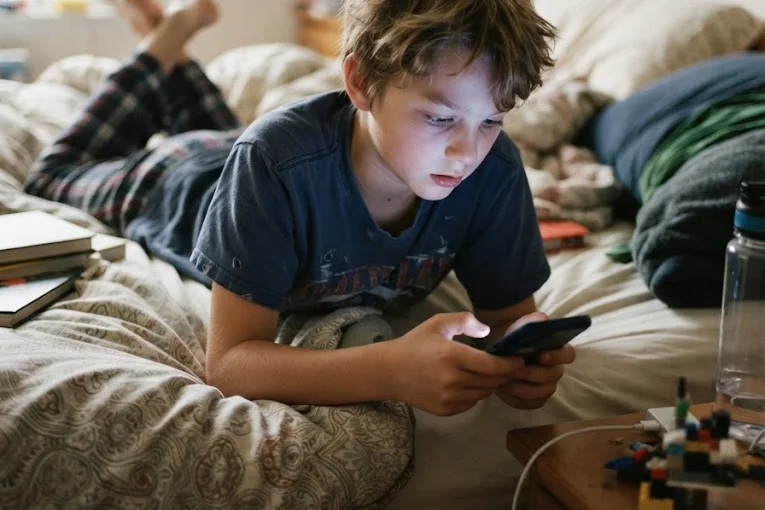 Screen Time
Hours Disappear
- Apps are designed to keep them scrolling.
- Sleep, homework, and friends get crowded out.
- Limits feel like arguments instead of habits.
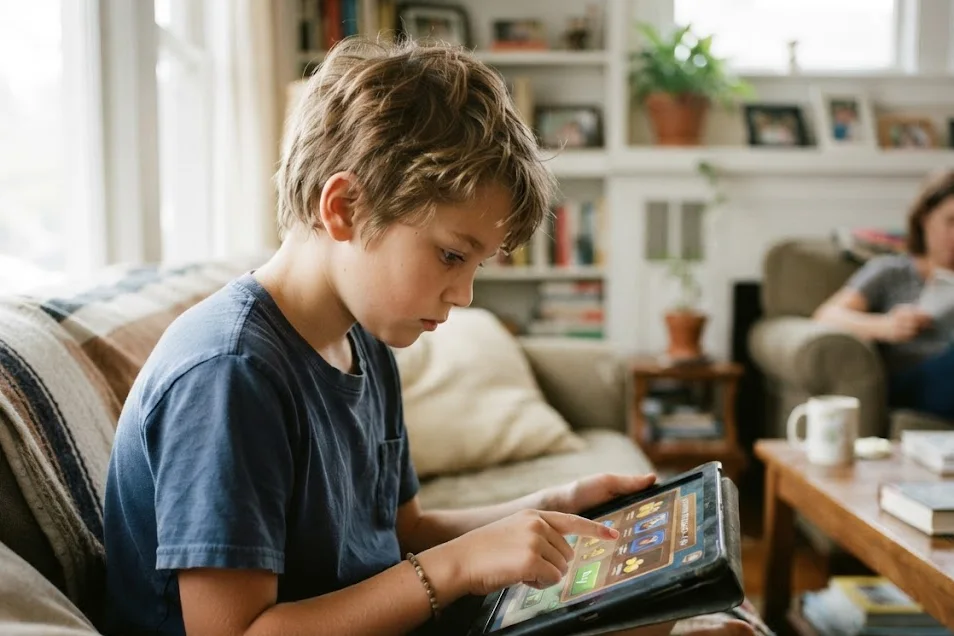 Risky Clicks
One Tap Too Fast
- Links, pop-ups, and downloads look harmless.
- Passwords get reused or shared with friends.
- Personal details end up in the wrong place.
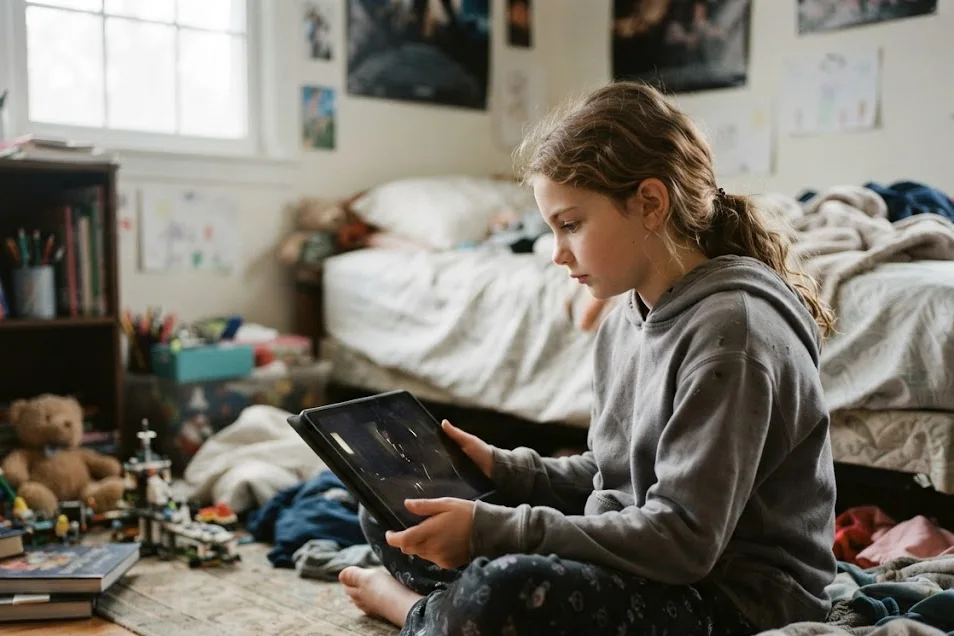 Misinformation
If It Looks Real, It Must Be
- Edited videos and fake news are convincing.
- Influencers seem more trustworthy than sources.
- Breaking news gets shared before it's checked.
Staying safe online isn't just about rules and filters. It's a set of skills children can learn, practice, and carry onto every app they use.
Why Digital Skills Matter More as They Grow
As children approach their teens, they get more devices, more accounts, and more independence online, often before they're ready for the risks.
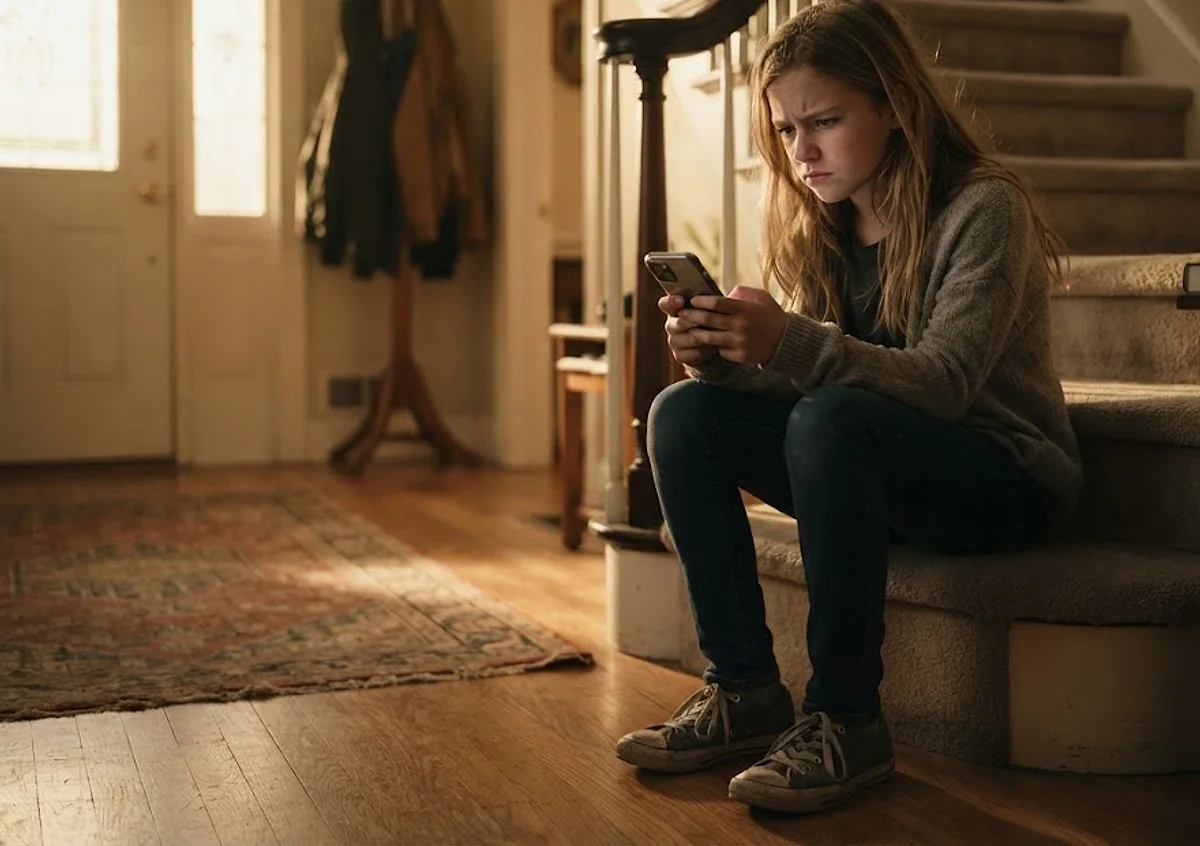
More Independence Online
- Accounts multiply. Games, social media, and group chats each hold personal information to protect.
- Strangers can reach them. Fake profiles and requests from people they don't know become more common.
- Information is everywhere. Children increasingly learn about the world from feeds rather than trusted sources.
- Habits are forming. Patterns of screen use set now are easier to shape than to change later.
- Digital safety isn't about fear. It's about using technology with confidence, judgment, and balance.
The goal isn't a child who avoids technology. It's one who uses it wisely, protects themselves, and thinks before sharing.
What Online Safety: Building Knowledgeable Digital Citizens Helps Your Child Develop
Digital citizenship isn't one skill. The course breaks it into specific capabilities children can understand, practice, and strengthen over time.
Managing Screen Time on Purpose
Monitor and manage device use so it stays intentional and balanced.
Staying Safe and Secure Online
Use safe browsing habits and keep accounts and devices protected.
Checking What They Read
Assess online sources before trusting or sharing information.
Following Family Tech Plans
Build and follow healthy technology habits together as a family.
Noticing How Screens Affect Them
Recognize how device use affects their mood, relationships, and health.
Each capability supports the others: balance, security, and careful thinking help children become confident, responsible digital citizens.
Inside the Course — Four Modules, From Device Habits to Digital Literacy
The course starts with healthy device habits, covers online risks and security, explores social media safety, and ends with telling real information from fake.
- 01
Device Responsibility
Balanced, intentional device use.
- Recognize the benefits devices offer and the signs of overuse.
- Understand how screens affect health and relationships.
- Use practical strategies to manage screen time.
- Help build a family device plan with shared rules.
- 02
Online Risks
Phishing, malware, hacking, and passwords.
- Identify common threats like phishing, malware, and hacking.
- Protect accounts with strong passwords and two-factor authentication.
- Practice safe browsing habits.
- Create a personal and family plan for online security.
- 03
Social Media Safety
Privacy, strangers, and thinking before posting.
- Understand the benefits and risks of social media.
- Use privacy settings and manage their digital footprint.
- Recognize fake profiles and decide which requests to accept.
- Respond to cyberbullying and think before they post.
- 04
Digital Literacy
Telling real information from fake.
- Evaluate online sources and fact-check claims.
- Understand the consequences of spreading false information.
- Recognize manipulated content like deepfakes and fake news.
- Think critically about influencers and breaking news.
Course structure
- 4Modules
- 32Instructional Lessons
- 8Practice Activities
 Course badgeFirewall Lynx — The Protector
Together, the modules move children from using devices to using them safely, wisely, and with balance.
From Learning to Real Life — How Your Child Practices Digital Safety
Knowing the rules is easier than stopping mid-scroll to check a link. Digital habits grow through practice, reflection, and family conversations.
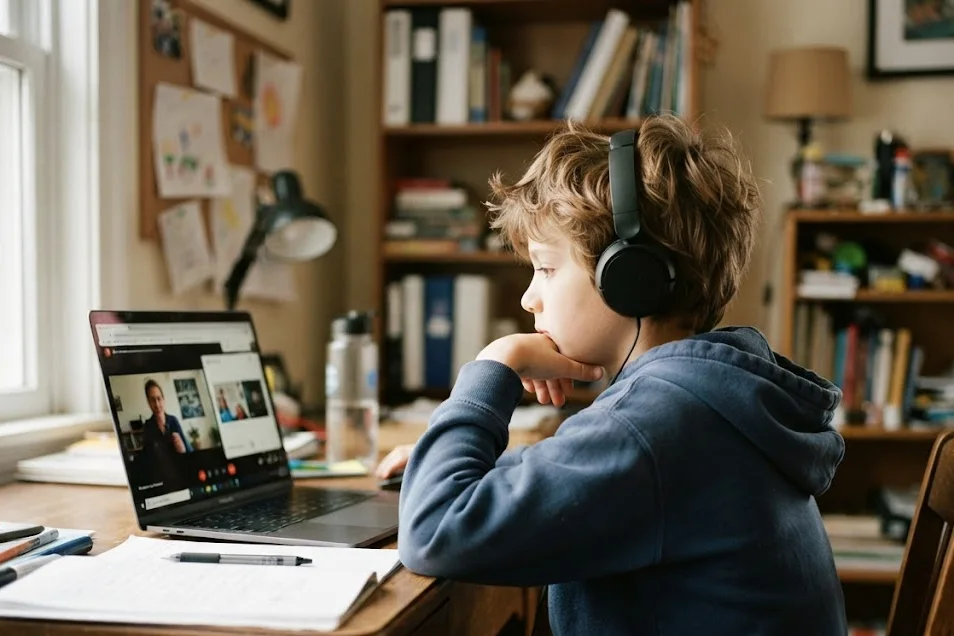 01Learn
Understand Online Risks
- Watch short animated lessons about screen time, security, and social media.
- See characters spot phishing, fake profiles, and misinformation.
- Discover tools like privacy settings and fact-checking.
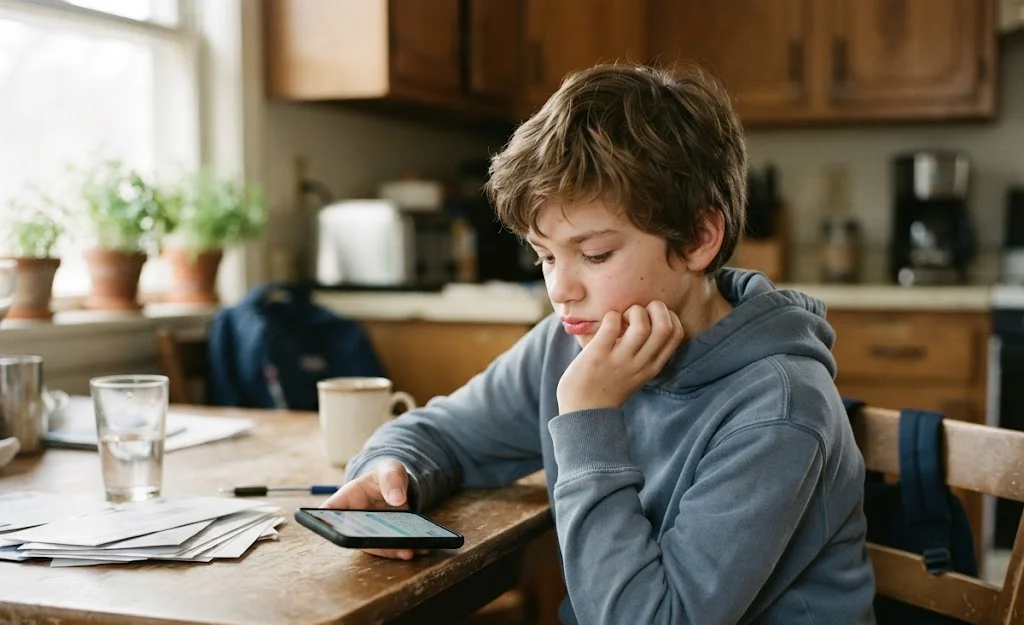 02Practice & Reflect
Pause Before Sharing
- Work through scenario-based Try Its where available.
- Decide whether to accept a request or share a post.
- Reflect on their own screen habits in module exercises.
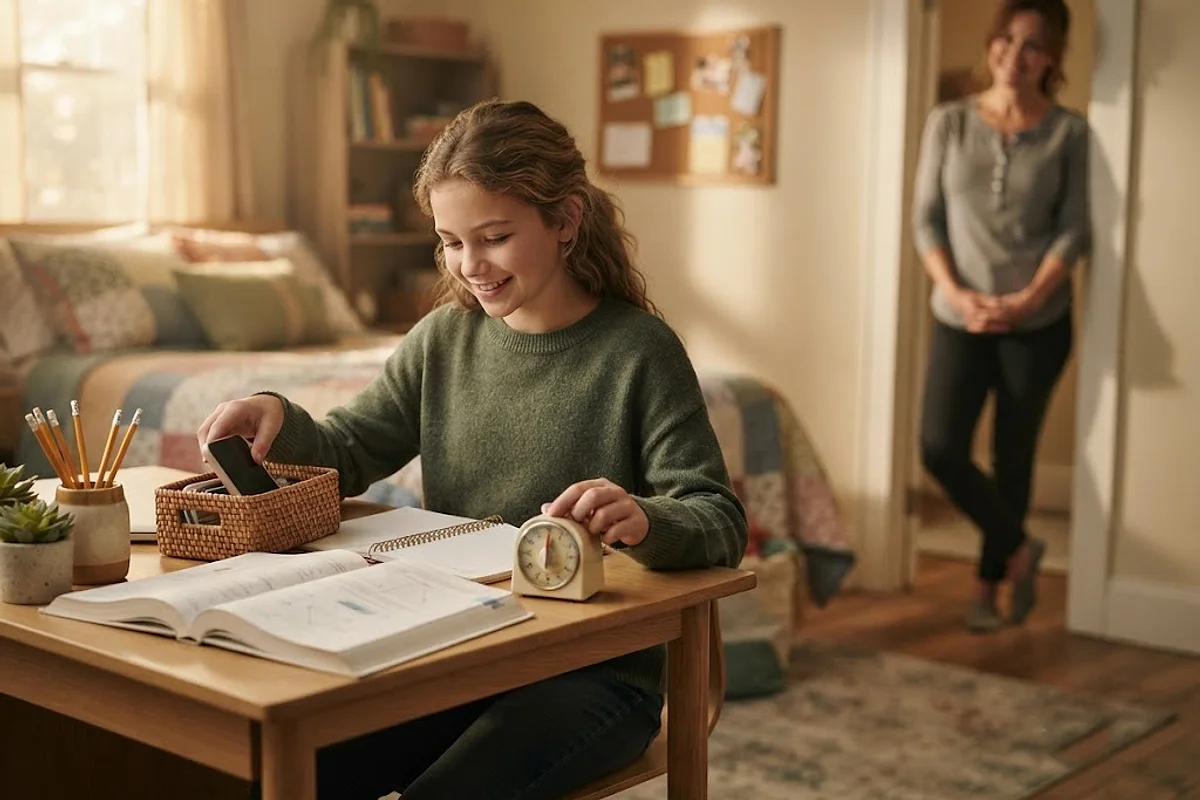 03Apply
Stay Safe Beyond the Screen
- Help create a family device plan.
- Review privacy settings on one app together.
- Check a surprising claim with a second source.
- Talk with a parent about a message that felt off.
Success isn't a child who never makes a mistake online. It's pausing, checking, and asking for help when something feels wrong.
What Research Tells Us About Young People, Information & Online Risks
Researchers have studied how young people judge online information and what they experience online. These findings describe general patterns, not predictions for any individual child.
- Hard to Judge
Telling real from fake is difficult.
- Researchers gave 3,446 U.S. high school students online reasoning tasks.
- Two-thirds couldn't tell news stories from ads on a website.
- Over half believed a misleading video was strong evidence.
- It Can Be Taught
Checking sources is a learnable skill.
- A field study tested lessons in high school government classes across one district.
- Students learned to leave a site and check what others say about it.
- Their ability to judge online content improved.
- Online Harassment
Cyberbullying is common.
- A 2022 survey asked 1,316 U.S. teens about their experiences online.
- Nearly half (46%) had experienced at least one form of cyberbullying.
- Name-calling was the most common.
The evidence points to skills: young people face real risks online, and careful-thinking habits can be taught. Online Safety: Building Knowledgeable Digital Citizens is built around that approach, without promising guaranteed results.
Why Online Safety: Building Knowledgeable Digital Citizens Is Part of the Readiness Program
The Readiness Program prepares children for more independence step by step. This course arrives once children can weigh decisions and solve complex problems.
Why It Comes Fourth
- It builds on problem-solving. After Developing SuperHuman Problem-Solving Skills, children apply analytical thinking to online risks and information.
- It applies good judgment. Making Responsible Choices earlier in the program helps children weigh what to share and who to trust.
- It prepares for money online. Safe digital habits lead naturally into Financial Literacy I, where children handle digital payments and purchases.
- It builds real independence. Digital skills are among the most practical tools children carry into their teenage years.
The Readiness ProgramCourse 4 of 7
- 1–3Three Earlier CoursesPurpose · Choices · Problem-Solving
- 4This CourseOnline Safety: Building Knowledgeable Digital CitizensDigital Citizenship
- 5Financial Literacy IMoney & Practical Responsibility
- 6–7Two Later CoursesGoals · Mindfulness
The course isn't a standalone fix. It's one step in a longer sequence that gives digital skills time to develop.
Frequently Asked Questions About Online Safety: Building Knowledgeable Digital Citizens
Practical answers about what your child will learn, what the course asks of your family, and how it fits into Bloomster's programs.
Who is Online Safety: Building Knowledgeable Digital Citizens designed for?
It uses everyday situations relevant to children roughly 9 to 14. It is the fourth course in the Readiness Program, designed around ages 12–14. What your child is experiencing matters more than an exact age.
What will my child learn in this course?
Children learn to manage screen time, recognize phishing, malware, and hacking, protect passwords and privacy, use social media safely, respond to cyberbullying, and evaluate online information, including fake news and deepfakes.
My child doesn't have social media yet. Is it too early?
Not at all. Learning about privacy, strangers, and thinking before posting before they have accounts helps children start with good habits instead of correcting bad ones later.
How long does the course take?
Your child moves at their own pace. The four modules contain 32 short animated lessons, 8 practice activities, and a module exercise at the end of each. Inside a program, courses are spaced across roughly a year, which gives this one several weeks to settle into daily life.
How much time should my child spend on it each week?
We suggest two 30-minute learning sessions each week. Everyday device use between sessions gives your child real chances to practice. If a week gets missed, simply pick up again.
Do I need to be involved as a parent?
You don't need to be a tech expert. Protect the learning time, notice what your child is working on, and build a family device plan together, including your own screen habits. Bloom, the parent side of Bloomster, helps you follow along.
Will this replace parental controls?
No. Parental controls and family rules still matter. The course builds the judgment children need for situations no filter can catch, like a convincing message from a stranger or a fake video.
Does the course cover fake news and edited videos?
Yes. Module 4 covers fact-checking, evaluating sources, reacting to breaking news, judging influencers, and recognizing manipulated content like deepfakes.
Can I enroll my child in this course by itself?
Bloomster is organized around learning journeys rather than single-course purchases. Online Safety: Building Knowledgeable Digital Citizens is part of the Readiness Program, and it may also be recommended within a Personalized Course Journey. Finding your start shows where your child might begin.
How will I know whether my child is making progress?
Look for small signs: putting the phone away without a reminder, asking before downloading an app, checking a claim before sharing it, or telling you about a strange message. Progress is rarely a straight line.
Explore the Readiness Program — Where Digital Skills Lead Next
Digital safety is one capability among many. The Readiness Program connects it with purpose, decision-making, problem-solving, and money skills.
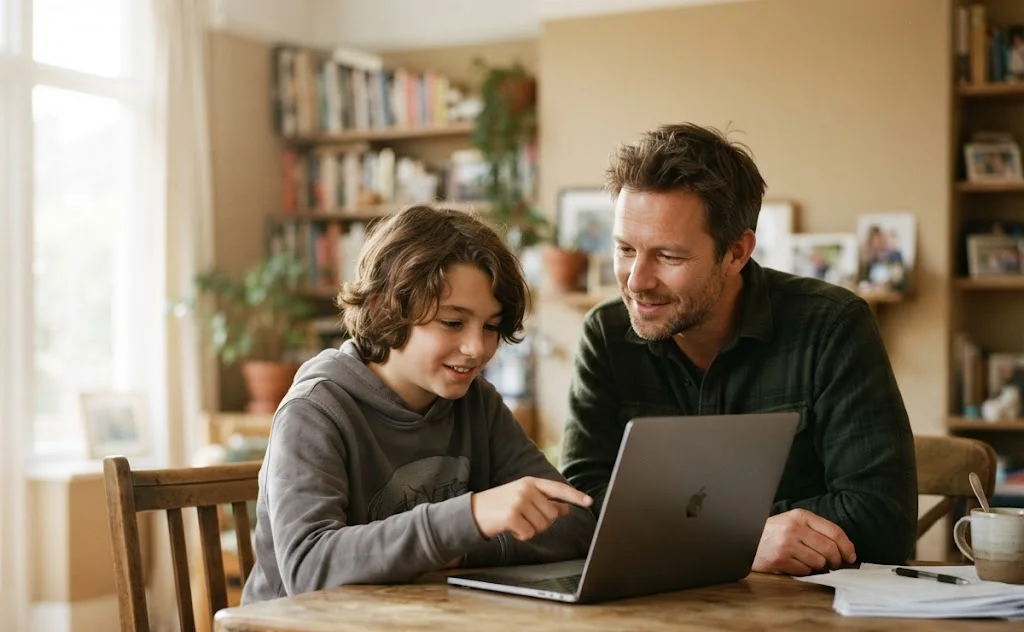
Digital Skills Grow Alongside Other Skills
- This course builds screen balance, security, privacy, and digital literacy.
- Earlier courses develop the judgment and problem-solving it draws on.
- Later courses apply it to money, goal-setting, and mindfulness.
- Steady practice across months gives these capabilities time to connect in everyday life.
Digital safety isn't about avoiding the internet. It's about your child using it with confidence, judgment, and balance.